FlexiViews
 FlexiViews
Lepow FlexScreen Modular 4-Screen Portable Monitor (4×18.5″) Review: A True “Multi-Monitor Desk” You Can Pack
If you’ve ever tried to work (or trade, code, edit, analyse data) on a single laptop screen, you already know the pain: constant alt-tabbing, cramped windows, and a workflow that just doesn’t flow.
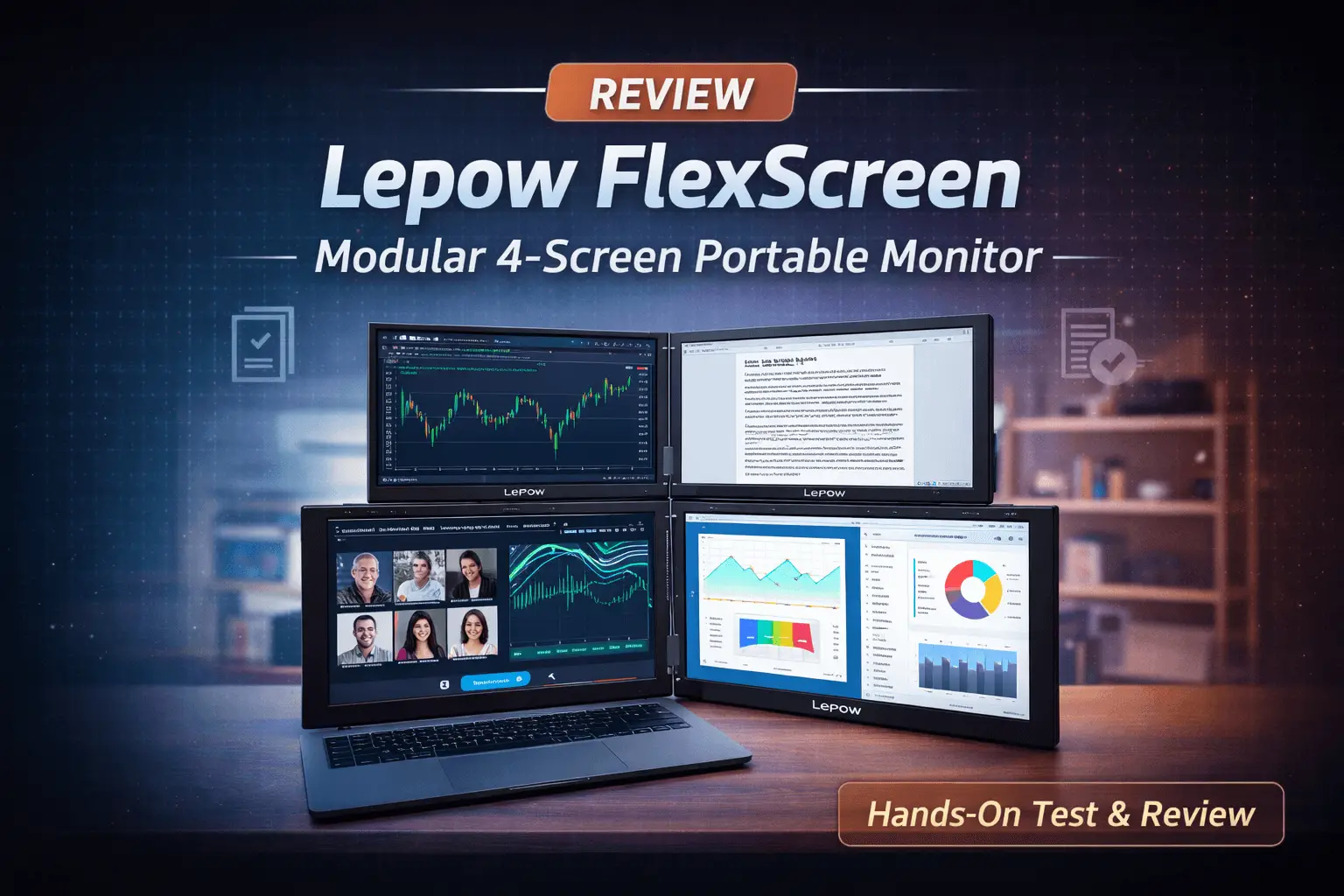
The Lepow FlexScreen Modular 4-Screen Portable Monitor aims to fix that by turning any workspace into a four-display setup—with detachable 18.5″ Full HD IPS panels, flexible layouts, and a relatively clean “one-cable” style connection. This makes it a versatile modular 4 screen portable monitor for various tasks.
For More Info and Prices, check the link here: Lepow FlexScreen Modular 4-Screen Portable Monitor
Table of Contents
Quick verdict
Best for: power users who genuinely benefit from multiple screens—traders, developers, analysts, content creators, and remote workers who want a modular workstation they can set up at home, the office, or while travelling.
Why Choose a Modular 4 Screen Portable Monitor?
Why it stands out: It’s modular—you can run 1, 2, 3, or 4 screens depending on the day, instead of being locked into one bulky form factor. (Lepow Portable Monitor)
Key features (what makes it different)
1) Modular, detachable 4-screen design
You can combine up to four 18.5″ panels using Lepow’s modular connector approach, or detach panels and use fewer screens when you need to travel lighter.
2) Large 18.5″ Full HD IPS panels (matte)
Each panel is listed as 18.5″ LED matte IPS at 1920×1080 (Full HD) and 300 nits brightness (with specs also referencing a 1000:1 contrast ratio in the technical details section).
3) Flexible layouts and modes
Lepow markets Extended, Mirrored, and Portrait modes, and physical arrangements like straight line, curve, or L-shape depending on your desk and workflow.
4) Built-in kickstands + speakers
Each screen includes a built-in kickstand, and the highlights list built-in speakers.
5) One-time driver install (important)
Introducing the Modular 4 Screen Portable Monitor Experience
Despite one section mentioning “plug and play,” the product page also states “one-time driver installation” is required for full functionality, and Lepow provides a dedicated driver guide and downloads. In practice, plan on installing the driver once on each computer you’ll use. (Lepow Portable Monitor)
Technical specifications (from the product info)
- Displays: 4 × 18.5″ LED matte IPS
- Resolution: 1920 × 1080 (Full HD) each
- Brightness: 300 nits
- Contrast (listed): 1000:1 (also mentions a higher figure elsewhere on the page—treat that as marketing vs. the “technical details” block) (Lepow Portable Monitor)
- Connectivity (listed): 1 × USB-C input (via modular connector supporting all four screens) + 1 × USB-A for power
- Operating systems: macOS, Windows
- Power: includes a 65W power adapter
- Certifications: CE, FCC, RoHS, Energy Label (A)
- Price shown (at time of capture): from $799.00
What’s in the box
Lepow’s guide lists:
- 4 × 18.5″ modular screens
- 2 × magnetic connectors
- 1 × 65W power adapter
- 2 × USB-C to USB-C cables (signal & power)
- 1 × USB-C to USB-A cable (additional power)
- 1 × adjustable stand + screw set
- User manual (Lepow Portable Monitor)
Setup overview (what to expect on day one)
- Connect power using the included 65W adapter.
- Connect your laptop/PC via USB-C (your USB-C port must support video output / DisplayPort Alt Mode for typical USB-C display setups).
- Snap panels together using the magnetic connectors for a multi-screen array.
- Install the driver once (Windows/macOS), then configure display arrangement in your OS settings.
Tip: Lepow notes that flicker/black screens can be linked to power stability—use the original adapter and ensure a stable connection. (Lepow Portable Monitor)
Who this is perfect for
Traders & data dashboard users
Four screens makes it far easier to keep charts, order tickets, news, and risk dashboards visible at the same time.
Developers & IT pros
Code on one screen, docs on another, logs/terminal on a third, and communication tools on the fourth—less switching, more focus.
Creators & editors
Timeline + preview + assets + notes is a classic multi-monitor workflow—now available in a modular setup you can pack.
Remote workers who “hot desk”
If you bounce between home, office, and client sites, a modular workstation can be a big productivity win—without relying on whatever monitors are available.
Lepow also explicitly positions this setup for coding, graphic design, editing, and gaming use cases. (Lepow Portable Monitor)
Pros and cons (realistic expectations)
Pros
- True 4-screen workspace with large 18.5″ panels
- Modular: bring 1–4 screens depending on your needs
- Matte IPS for comfortable viewing in many environments
- Built-in kickstands simplify setup
Cons / watch-outs
- Driver installation is part of the deal (plan for it, especially on work laptops)
- Power matters: it’s a multi-screen system, and stable power/cabling is important
- A 4×18.5″ setup is still sizeable—modular helps, but this is aimed at people who really want multi-monitor productivity.
FAQ
Does it work with Mac (including Apple silicon)?
Lepow lists macOS compatibility and references modern macOS versions on the product page, plus provides a macOS driver download in the setup guide.
Do I need a driver?
Yes—Lepow describes it as a one-time driver installation for full functionality, and provides official driver downloads in their guide.
Can I use fewer than four screens?
That’s the whole point of the modular design—you can use one panel for travel or connect multiple panels when you want a full workstation.
Is it one cable or multiple cables?
The product page markets “one cable simplicity,” describing one USB-C input plus USB-A for power for the full modular connector setup. The guide also includes multiple cables and a 65W adapter.
Final thoughts: is the Lepow FlexScreen worth it?
If your workflow genuinely improves with multiple displays, the Lepow FlexScreen is compelling because it’s not just “a portable monitor”—it’s a modular workstation you can scale up or down depending on where you’re working.
If you only occasionally need extra screen space, you might be better served by a single portable monitor. But if you’re living in charts, code, timelines, dashboards, or spreadsheets all day, four screens can be a game changer—and modular portability makes it far more practical than hauling a traditional monitor setup.

 FlexiViews