

Product Roundup
Which 4K OLED Gaming Monitor Fits Your Desk?
By FlexiViews · October 07, 2026
A premium OLED monitor can look like an obvious upgrade until you start comparing the details. Some of these displays trade resolution for a faster competitive mode. Others put their extra value into connections or how the panel behaves in a lit room. The useful question is not simply which specification is largest: it is which difference you will actually use.
These five picks share a 4K, 240Hz starting point, but they do not make the same promises. Our ordering reflects the researched feature packages and their buying consequences, not a claim that we personally measured every display. Check the exact model before ordering: a similar name can belong to a materially different monitor.
As an Amazon Associate I earn from qualifying purchases.
Featured image: AI-generated editorial illustration of OLED gaming-monitor setups, not a product photograph.
## Before Ordering
Match your intended gaming mode, graphics-card output and cable capability. Check laptop display support and charging requirements separately. Position windows and lamps deliberately; panel treatment cannot remove every reflection.
01
5. LG UltraGear 32GS95UE-B
**Best for a Simple Gaming Setup | Editorial score: 8.4/10**
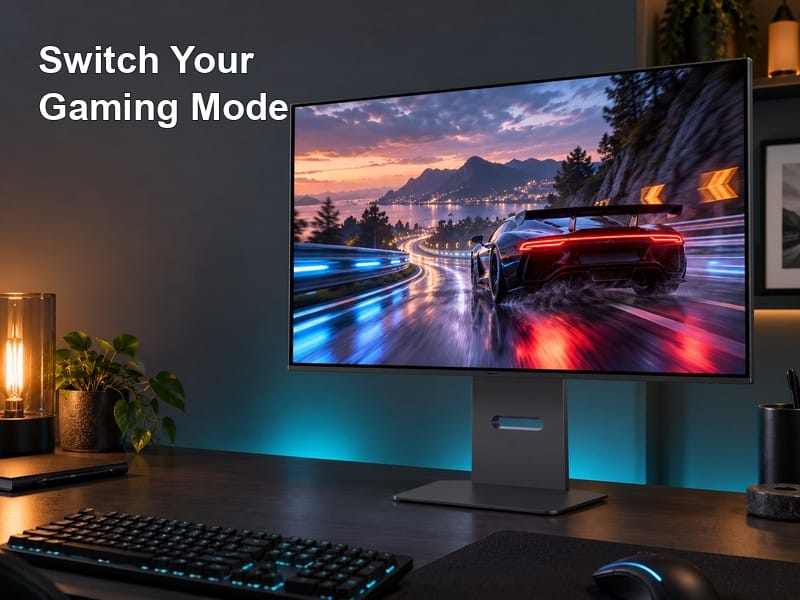
The LG makes a straightforward gaming proposition: a WOLED panel with 4K at 240Hz or Full HD at 480Hz, plus integrated Pixel Sound. The built-in audio is relevant when a clean desk matters and you do not want separate speakers as the default arrangement.
As with the ASUS dual-mode models, the 480Hz option involves a resolution trade. Buy for your actual game mix and PC performance, not for a number you may seldom use. Integrated audio is a convenience feature, not evidence that it will replace a dedicated sound system for every listener.
Choose it when the dual-mode gaming experience and simpler desk arrangement are the features you value most.
02
4. ASUS ROG Swift PG32UCDP
**Best for a Work-and-Play Desk | Editorial score: 8.7/10**
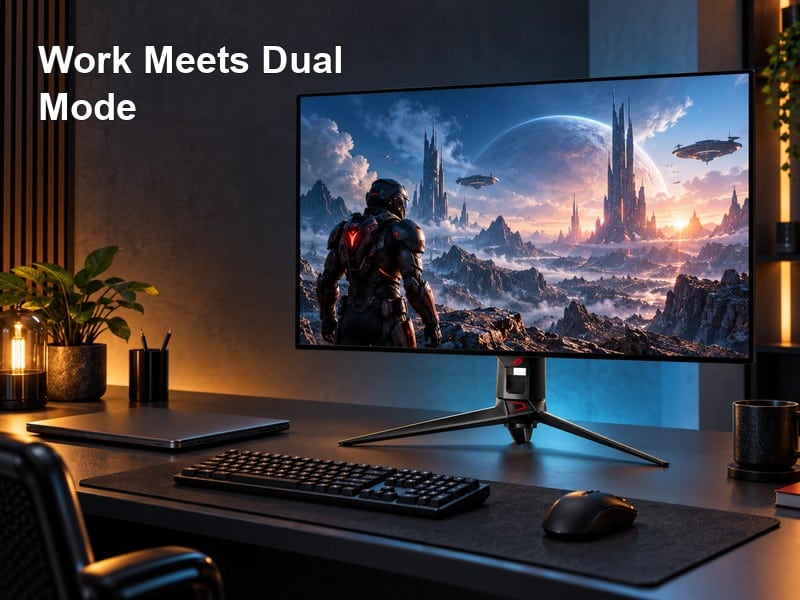
The Dual Mode Swift is attractive when one desk serves both work and gaming. Its WOLED panel supports 4K at 240Hz and Full HD at 480Hz, while USB-C provides up to 90W power delivery.
The practical advantage is flexibility, not having to use the faster mode all the time. A detailed single-player game and a competitive shooter can call for different priorities. For the laptop side, confirm display compatibility and charging requirements before assuming one cable replaces every adapter. Some gaming laptops draw more than a monitor’s USB-C supply can provide under load.
Choose it when both mode switching and laptop convenience have a real place in your routine. If you rarely use a laptop or competitive low-resolution mode, those features may not justify your preferred price difference.
03
3. ASUS ROG Strix XG32UCWMG
**Best for Glossy Dual-Mode Gaming | Editorial score: 8.8/10**
The Strix pairs a glossy WOLED presentation with two distinct modes: 4K at 240Hz, or Full HD at 480Hz. That makes its appeal quite specific. You can keep detailed games at native resolution and switch to a lower-resolution, faster-refresh mode for competitive play.
The switch does not create 480 frames per second from a slower game. Consider the titles you play, the frame rates your system sustains and your tolerance for Full HD on a large screen. The glossy surface is another deliberate preference: it can suit a controlled room, but a badly placed light source remains a visible problem.
USB-C power delivery is 15W here, materially different from the 90W Swift models. Do not treat this as an interchangeable one-cable laptop charging solution.
04
2. MSI MPG 322URX QD-OLED
**Best for DisplayPort-Focused PC Gaming | Editorial score: 9.0/10**
The MSI is an especially relevant comparison when your buying priority is the video link between the graphics card and the screen. It combines 4K at up to 240Hz with DisplayPort 2.1 UHBR20 and its 80Gbps bandwidth capability.
That capability belongs to a chain, not just the monitor. Check the graphics card’s actual port support, the cable’s certification and the intended display mode. A DisplayPort 2.1 label elsewhere in the setup does not by itself prove matching UHBR20 support. Likewise, bandwidth is not a promise of higher game frame rates: rendering performance still comes from the PC.
Choose it when you want a DisplayPort-focused QD-OLED setup and can verify the rest of that chain. Buyers whose priority is a 480Hz competitive mode should compare the dual-mode displays instead.
05
1. ASUS ROG Swift PG32UCDM3
**Best Overall Premium Pick | Editorial score: 9.3/10**
The Gen Three Swift makes the strongest premium case when panel treatment and desktop connections matter together. Its QD-OLED display runs at 4K up to 240Hz. DisplayPort 2.1 UHBR20 offers 80Gbps link bandwidth, and USB-C supplies up to 90W of power delivery.
ASUS also promotes its BlackShield treatment against earlier panel generations. Treat that as a manufacturer comparison, not a guarantee that bright-room reflections or raised blacks disappear in every environment. A window shining directly at the screen still deserves attention.
Choose this for a premium PC-and-laptop desk where the connection package is useful. Do not choose it expecting the 480Hz Full HD mode offered by the dual-mode models in this guide. The 90W USB-C figure also does not establish that a demanding gaming laptop can run at full performance without its own charger.
 Joe Botrous